Portfolio
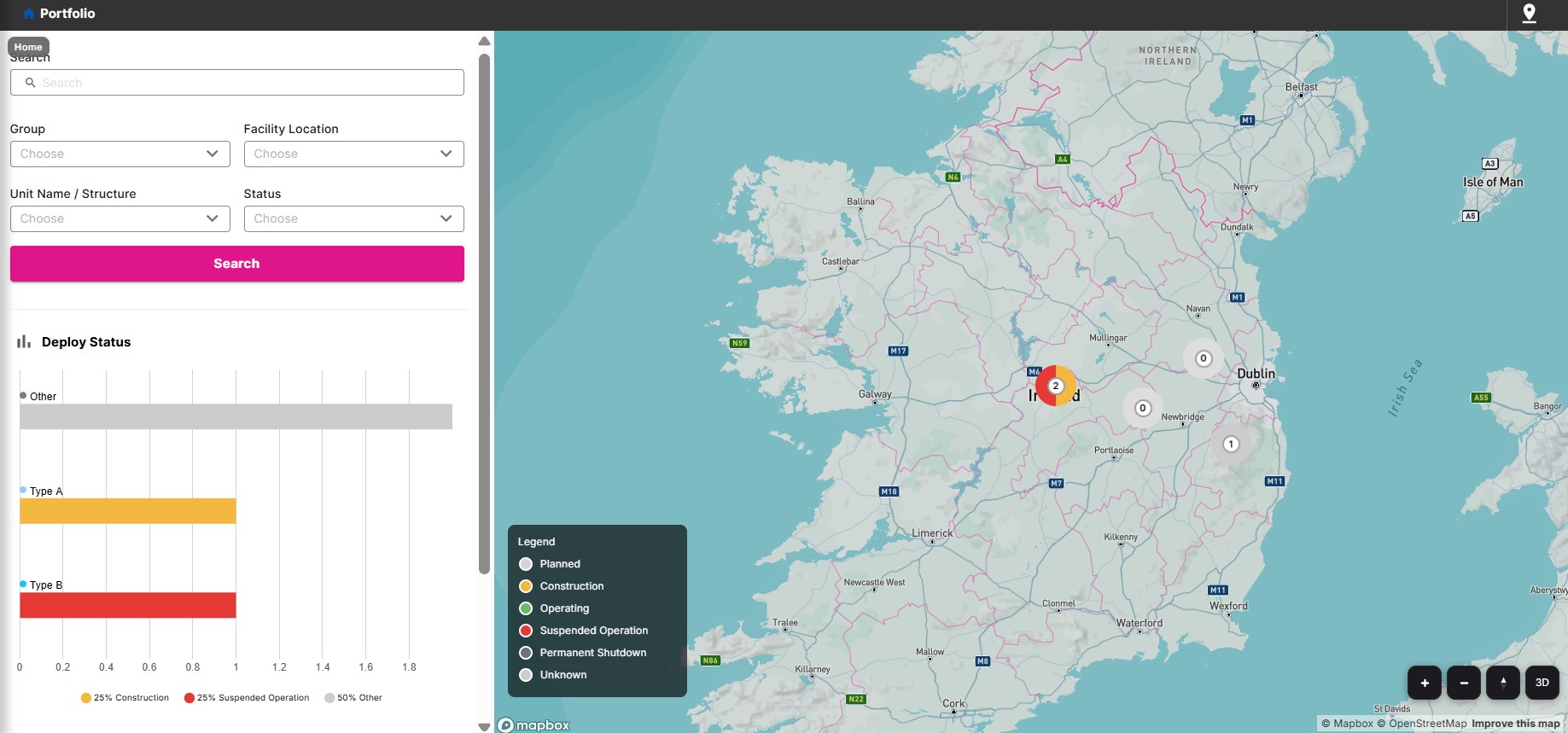
Portfolio is a Twinit application template for seeing all your structures and their digital twins on one map. Each site appears within its perimeter so you can tell where assets sit and how they relate. The UI surfaces structure and asset information through map markers and chart data (for example status, KPIs, or custom metrics), and you can drill into the Asset Overview to explore model elements and properties in a tree view and table. Search and filtering help you find structures, sites, or building types; you can open a building’s digital twin from the portfolio view for deeper analysis. The template package can be customized so layouts, map types, and how data is shown fit your workflow—whether you are managing building portfolios, energy performance, or other asset-focused use cases.
The template includes a React web client, scripts and configuration for the portfolio UI (map, Asset Overview, search and filters), and a deployable template package (portfolioPkg / portfolio-template.zip) you can use with the Twinit extension to create projects with a default setup (map types, structures, optional site, optional models and BIMPKs).
Note: Portfolio requires a valid Twinit account and the ability to run or deploy a React web client. Completing the Self-Led Developer training, including the React UI courses, on Twinit Academy is recommended before you implement this template.
Learn more about the Portfolio Twinit application Template on GitHub